Field note / ai
TheTrillion-DollarWhileLoop
The entire AI agent industry is built on thirty lines of Python. Let me ruin the word 'agent' for you.
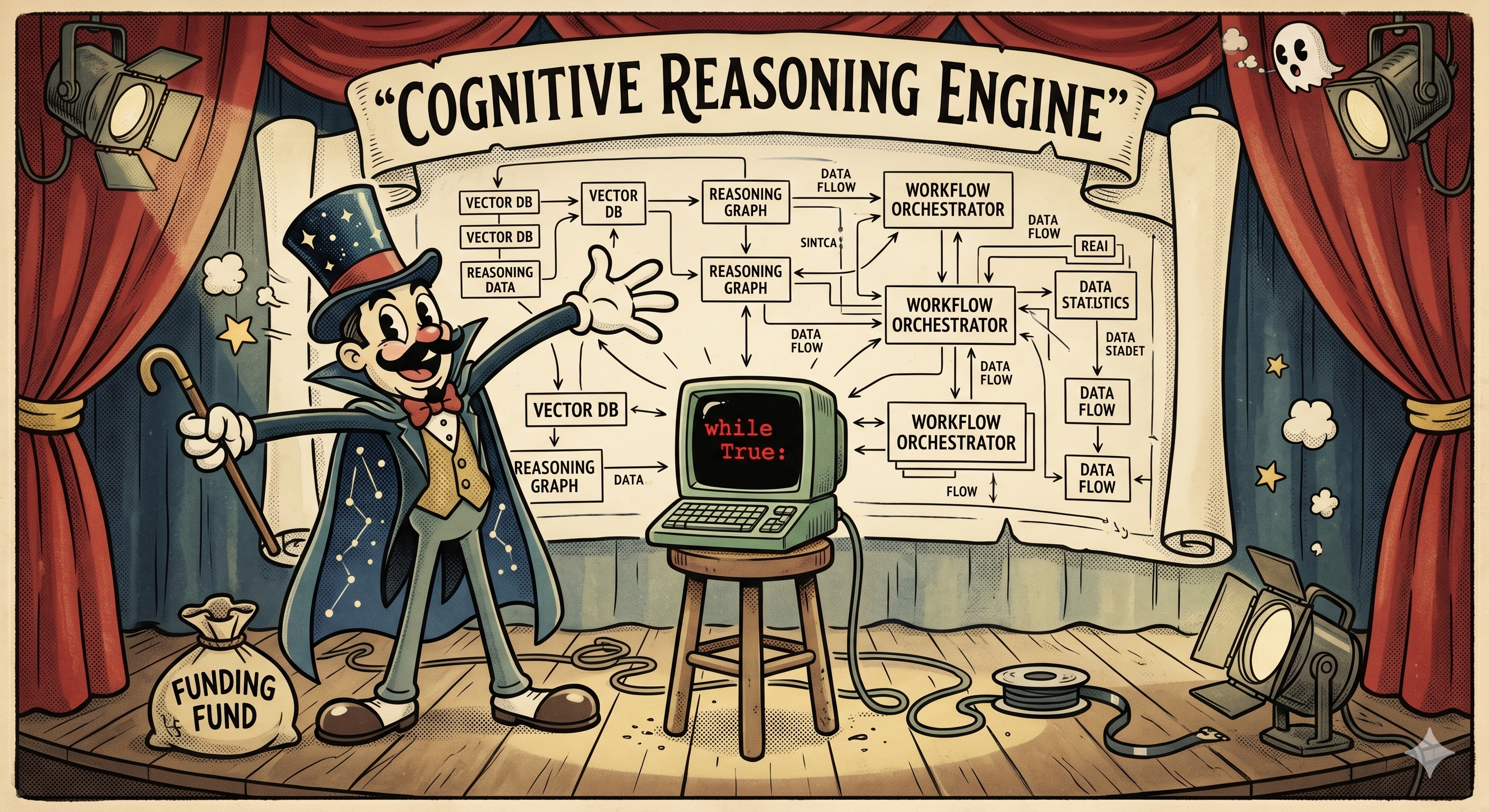
Right now, somewhere in San Francisco, a founder is on stage explaining their "agentic AI platform" to a room full of investors. There are diagrams. There are arrows. There's a box labeled "reasoning engine." Billions of dollars are being deployed. The entire industry is a while loop.
I don't mean that metaphorically. The core of every AI agent — the thing that makes it an "agent" rather than a chatbot — is a loop that calls an API, checks if the model wants to run a tool, runs it, and goes around again. Thirty lines of Python. The trillion-dollar while loop.
Don't believe me? Here. Let me ruin it for you.
The 887-Byte Agent
Here's a fully functional AI agent — interactive REPL, tool calling, system prompt, multi-step reasoning — in 887 bytes of Python:
import json as j,os,subprocess as s,urllib.request as u
E=os.environ;m=[];Z=open((os.path.dirname(__file__)or".")+"/system.md").read()
T={"type":"function","function":{"name":"bash","description":"x","parameters":{"type":"object","properties":{"command":{"type":"string"}},"required":["command"]}}}
def q():return j.load(u.urlopen(u.Request(E["U"],j.dumps({"model":E["M"],"messages":[{"role":"system","content":Z}]+m,"tools":[T]}).encode(),{"Content-Type":"application/json"})))["choices"][0]["message"]
while(i:=input("> "))!="x":
 m+=[{"role":"user","content":i}]
 for _ in"x"*9:
  m+=[r:=q()]
  if not r.get("tool_calls"):print(r.get("content",""));break
  for c in r["tool_calls"]:d=j.loads(c["function"]["arguments"])["command"];o=s.run(d,shell=1,capture_output=1,text=1);print(f"$ {d}\n{o.stdout}{o.stderr}");m+=[{"role":"tool","tool_call_id":c["id"],"content":o.stdout+o.stderr}]
That's not pseudocode — though it does read like the worst pseudocode ever written. It runs. Point it at any OpenAI-compatible API, give it a system prompt, and you have an agent that can run arbitrary commands on your computer, read the output, reason about what to do next, and keep going until it's solved your problem. It is, conceptually, a sibling to Claude Code, Codex, and every other coding agent that has shipped this year. 887 bytes. The paragraph you just read explaining it is longer than the code itself.
It fits in a QR code. You could hand someone an AI agent on a napkin at a conference. Though given the current state of AI hype, they'd probably try to fund it.
Nobody should actually run this version. It's unreadable, the variable names are single letters, and the tool description is literally the string "x". But it works, and that's the point — the entire agent loop is so simple you can golf it into less than a kilobyte and lose nothing functional.
Now let me show you what it actually does, in a version written for humans.
The Loop
Same agent, written by someone who still has a shred of self-respect. Thirty lines:
#!/usr/bin/env python3
"""agent.py — An AI agent is just a while loop."""
import json, os, subprocess, urllib.request
from pathlib import Path

URL = os.environ.get("AGENT_API_URL", "http://localhost:11434/v1/chat/completions")
KEY = os.environ.get("AGENT_API_KEY")
MODEL = os.environ.get("AGENT_MODEL", "gemma3")
SYSTEM = Path(__file__).with_name("system.md").read_text()
TOOL = {"type": "function", "function": {"name": "bash", "description": "Run a bash command",
    "parameters": {"type": "object", "properties": {"command": {"type": "string"}}, "required": ["command"]}}}

def call(messages):
    headers = {"Content-Type": "application/json", **({"Authorization": f"Bearer {KEY}"} if KEY else {})}
    body = json.dumps({"model": MODEL, "messages": [{"role": "system", "content": SYSTEM}] + messages, "tools": [TOOL]}).encode()
    return json.load(urllib.request.urlopen(urllib.request.Request(URL, body, headers)))["choices"][0]["message"]

messages = []
while (user := input("> ")) != "exit":
    messages.append({"role": "user", "content": user})
    for _ in range(10):  # max tool rounds
        reply = call(messages)
        messages.append(reply)
        if not reply.get("tool_calls"):
            print(reply.get("content", ""))
            break
        for tc in reply["tool_calls"]:
            cmd = json.loads(tc["function"]["arguments"])["command"]
            result = subprocess.run(cmd, shell=True, capture_output=True, text=True)
            print(f"$ {cmd}\n{result.stdout}{result.stderr}")
            messages.append({"role": "tool", "tool_call_id": tc["id"], "content": result.stdout + result.stderr})
I'm going to walk through this, because I want you to be able to reconstruct it from memory next time someone at a meetup starts talking about "agentic architectures" with a straight face.
The Boring Part
URL = os.environ.get("AGENT_API_URL", "http://localhost:11434/v1/chat/completions")
KEY = os.environ.get("AGENT_API_KEY")
MODEL = os.environ.get("AGENT_MODEL", "gemma3")
SYSTEM = Path(__file__).with_name("system.md").read_text()
Config from environment variables. A system prompt loaded from a file. Works with any OpenAI-compatible API. I called this section "The Boring Part" and I meant it. Moving on.
The Tool
TOOL = {"type": "function", "function": {"name": "bash", "description": "Run a bash command",
    "parameters": {"type": "object", "properties": {"command": {"type": "string"}}, "required": ["command"]}}}
This JSON blob is half the mystique of "tool calling" right here. You describe what tools exist — a name, a description, what parameters they take — and the model decides when to use them. It reads this description the same way you'd read a menu at a restaurant, and picks what it wants.
We're giving it one tool: bash. You could add more — a file reader, a web scraper, a database client — just more entries in the list. But bash can do basically anything, which is either empowering or terrifying depending on your relationship with rm -rf.
The "Reasoning Engine"
def call(messages):
    headers = {"Content-Type": "application/json", **({"Authorization": f"Bearer {KEY}"} if KEY else {})}
    body = json.dumps({"model": MODEL, "messages": [{"role": "system", "content": SYSTEM}] + messages, "tools": [TOOL]}).encode()
    return json.load(urllib.request.urlopen(urllib.request.Request(URL, body, headers)))["choices"][0]["message"]
Three lines. Build the headers, build the body, POST it, return the response. This is the entire "reasoning engine" that the pitch deck had a dedicated box and two arrows for. It sends the conversation so far and the tool definitions to the model, and the model responds with either a text message or a request to call a tool.
That decision — text or tool call — is the only branching point in the entire agent. The model either wants to do something or it wants to talk. That's it. You could argue that this single if statement is the most valuable conditional in the history of software.
The Actual Loop
messages = []
while (user := input("> ")) != "exit":
    messages.append({"role": "user", "content": user})
    for _ in range(10):  # max tool rounds
        reply = call(messages)
        messages.append(reply)
        if not reply.get("tool_calls"):
            print(reply.get("content", ""))
            break
        for tc in reply["tool_calls"]:
            cmd = json.loads(tc["function"]["arguments"])["command"]
            result = subprocess.run(cmd, shell=True, capture_output=True, text=True)
            print(f"$ {cmd}\n{result.stdout}{result.stderr}")
            messages.append({"role": "tool", "tool_call_id": tc["id"], "content": result.stdout + result.stderr})
Here it is. The thing. Read it carefully, because there genuinely isn't more to it:
- Take user input, add it to the message history
- Call the API
- Model responded with text? Print it, we're done
- Model requested tool calls? Run each command, add the output to the history, go back to 2
The for _ in range(10) is a safety rail so it doesn't loop forever. The inner for tc in reply["tool_calls"] handles the model wanting to run multiple tools in one turn — it runs each one, tags the result with the call's ID so the model knows which output belongs to which, and sends the whole conversation back.
That's the agent. The model calls a tool, sees what happened, decides what to do next. Repeat until it has an answer. No planning layer. No orchestrator. No graph. A POST in a loop.
Because Apparently I Wasn't Done
At this point a normal person would stop. But I wanted to see how far I could push it, so here's the same concept in bash. Under 60 lines, and its only dependencies are curl and jq — two tools that are probably already on your machine, judging you silently from /usr/bin.
#!/usr/bin/env bash
# agent.sh — A complete AI agent in ~60 lines of shell script.

MODEL="${AGENT_MODEL:-gemma3}"
API_URL="${AGENT_API_URL:-http://localhost:11434/v1/chat/completions}"
API_KEY="${AGENT_API_KEY:-}"
SESSIONS_DIR="${AGENT_SESSIONS_DIR:-/tmp/agent-sessions}"
SYSTEM_PROMPT_FILE="$(dirname "${BASH_SOURCE[0]:-$0}")/system.md"
MAX_ITERATIONS="${AGENT_MAX_ITER:-10}"

BASH_TOOL='{"type":"function","function":{"name":"bash","description":"Run a bash command on the system and return its output","parameters":{"type":"object","properties":{"command":{"type":"string","description":"The bash command to execute"}},"required":["command"]}}}'

_update() {
  local f="$1"; shift
  jq "$@" "$f" >"$f.tmp" && mv "$f.tmp" "$f"
}
_jq() { printf '%s' "$1" | jq -r "$2"; }

prompt_ai() {
  local prompt="$1" session="${2:-default}"
  local sf="$SESSIONS_DIR/$session.json"
  local system_prompt iterations=0
  local response choice has_tools call id cmd output confirm

  mkdir -p "$SESSIONS_DIR"
  system_prompt=$(cat "$SYSTEM_PROMPT_FILE")
  [[ -f "$sf" ]] || echo '[]' >"$sf"

  _update "$sf" --arg msg "$prompt" '. + [{"role":"user","content":$msg}]'

  while true; do
    response=$(jq -n \
      --arg model "$MODEL" --arg sys "$system_prompt" \
      --slurpfile msgs "$sf" --argjson tool "$BASH_TOOL" \
      '{model:$model, messages:[{role:"system",content:$sys}]+$msgs[0], tools:[$tool]}' |
      curl -s "$API_URL" -H "Content-Type: application/json" \
        ${API_KEY:+-H "Authorization: Bearer $API_KEY"} -d @-)

    choice=$(_jq "$response" '.choices[0].message | tojson')
    _update "$sf" --argjson msg "$choice" '. + [$msg]'

    has_tools=$(_jq "$choice" '.tool_calls | length // 0')
    if [[ "$has_tools" -eq 0 ]]; then
      _jq "$choice" '.content'
      break
    fi

    iterations=$((iterations + 1))
    if [[ $iterations -ge $MAX_ITERATIONS ]]; then
      echo "[agent] Stopped after $MAX_ITERATIONS iterations."
      _jq "$choice" '.content // empty'
      break
    fi

    while read -r call; do
      id=$(_jq "$call" '.id')
      cmd=$(_jq "$call" '.function.arguments | fromjson .command')

      printf '\033[1m$ %s\033[0m  Run? [Y/n] ' "$cmd"
      read -r confirm </dev/tty
      if [[ "$confirm" =~ ^[Nn] ]]; then
        output="[user declined to run this command]"
      else
        output=$(bash -c "$cmd" 2>&1)
        printf '\033[2m%s\033[0m\n' "$output"
      fi

      _update "$sf" --arg id "$id" --arg out "$output" \
        '. + [{"role":"tool","tool_call_id":$id,"content":$out}]'
    done < <(_jq "$choice" '.tool_calls[] | tojson')
  done
}

agent() {
  local session="${1:-$(date +%s)}" input
  echo "Agent session: $session (type 'exit' to quit)"
  while true; do
    printf '\033[1;34m> \033[0m'
    read -r input </dev/tty || break
    [[ "$input" == "exit" ]] && break
    [[ -z "$input" ]] && continue
    prompt_ai "$input" "$session"
  done
}
This one actually adds features the Python version doesn't have. Sessions are JSON files on disk — close your terminal, go on vacation, come back, and the conversation is still there. Every command gets a Run? [Y/n] prompt before execution. Long-term memory and a safety layer, in a shell script. Your favorite agent framework just felt a disturbance in the force.
So Why Does Claude Code Need 500,000 Lines?
This is the part where I stop being smug. I spend my days working on exactly these problems — reimagining a platform around agentic systems — so I'm not throwing stones from outside. I'm throwing them from inside the building, at the motivational posters. The problems are real, the engineering is hard, and some genuinely brilliant work is being done. It's just that the hype around it has reached a level of absurdity that deserves to be laughed at, especially by the people doing the actual work.
Our 30-line agent works. It genuinely works. You can point it at a codebase and ask it to fix a bug, and it'll fumble around, run some commands, and sometimes get there. It's also the engineering equivalent of a go-kart — technically a vehicle, probably shouldn't take it on the highway.
The first thing that happens when you actually use it for more than five minutes is the context window fills up. Our agent appends every message to a list and sends the whole thing every time. The model starts receiving your entire conversation history — including that time it ran cat on a 10,000-line file — and eventually it just... forgets what you asked. It's like talking to someone who's trying to listen to you while also reading every email they've ever received. Context management — figuring out what to keep, what to summarize, what to throw away — is a genuinely hard problem and nobody has fully cracked it.
Then there's tool design. We gave our agent bash and called it a day, which is the agent equivalent of handing someone a Swiss Army knife and saying "good luck, the hospital is that way." Real agents have dozens of specialized tools, and the descriptions matter enormously — a vague description means a confused model, a misleading description means a confidently wrong model. Getting tool descriptions right is an art, and most of us are still finger-painting.
And orchestration. One loop is fine. But what about agents that spawn sub-agents? Skills that compose? Parallel tool execution? The moment you need two loops to coordinate, congratulations: you've accidentally invented distributed systems. If you've ever worked with distributed systems, you know they exist primarily to humble senior engineers.
Then there's memory. Not "save the chat to a JSON file" memory — actual long-term memory. Knowing what matters across sessions, across projects, across weeks. Our bash version dumps everything to disk, which is adorable until the agent confidently acts on something you told it three months ago that hasn't been true since Tuesday. Real memory needs to decay, consolidate, and somehow know what it doesn't know — the "unknown unknowns" problem, where the agent needs context it doesn't even know to ask for.
And here's one that keeps me up at night: should agents even be calling tools at all? Our agent has a bash tool and a JSON schema describing it. But some of the most interesting work right now is replacing predefined tool calls with code writing — instead of the model picking from a menu of tools, it writes code on the fly to do what it needs. More flexible, more powerful, and an entirely different set of ways to go catastrophically wrong.
Oh, and our agent runs subprocess.run(cmd, shell=True) with no sandbox, no permissions model, and no safety net. It's one hallucination away from rm -rf /. Production agents need to not do that. This turns out to be, as they say, non-trivial.
The loop is the part you can learn in an afternoon. Everything around it is what the industry is spending those trillions trying to get right. The state of the art moves every few months. Techniques that seemed clever last quarter are already being replaced. We are all still figuring this out, which is either exciting or terrifying, depending on how seriously you take LinkedIn posts about it.
Now You Know
The secret is out. An AI agent is a while loop. The magic was never in the loop — it was in convincing everyone the loop was complicated.
Go build one. Point it at Ollama, give it a system prompt, and watch it run ls seventeen times in a row trying to find a file that's right there. You'll learn more about how agents actually work in that first frustrating hour than from any architecture diagram with a box labeled "reasoning engine."
Just maybe don't put it on a pitch deck.